Assessment Authoring, Reimagined
The only assessment workspace that turns existing exams into reusable QTI 3.0 content with ItemVerity® quality checks built in. Bringing conversion, authoring, quality review, item banking and open standards together instead of managing them across separate tools.

Faster Authoring With Full Control
Create and refine rich items with control over interactions, scoring, media, feedback and manual editing.

Create From Trusted Study Materials
Generate editable questions or tests from course notes, study guides, syllabi, reading passages, and learning objectives.

Build a Governed Item Bank
Organize approved content with metadata so authors and teams can find, assemble, improve and reuse it across programs.

Accelerate With AI
Use guided AI to develop assessments, then put every detail through expert review.

Keep Content Portable With QTI 3.0
Exchange standards-based assessment content across compatible systems and reduce dependence on closed formats.

Design Accessibility In From the Start
Make accessibility part of authoring from the outset instead of relying on late remediation.
Why Use TAO Studio to Create Better Assessments, Faster?
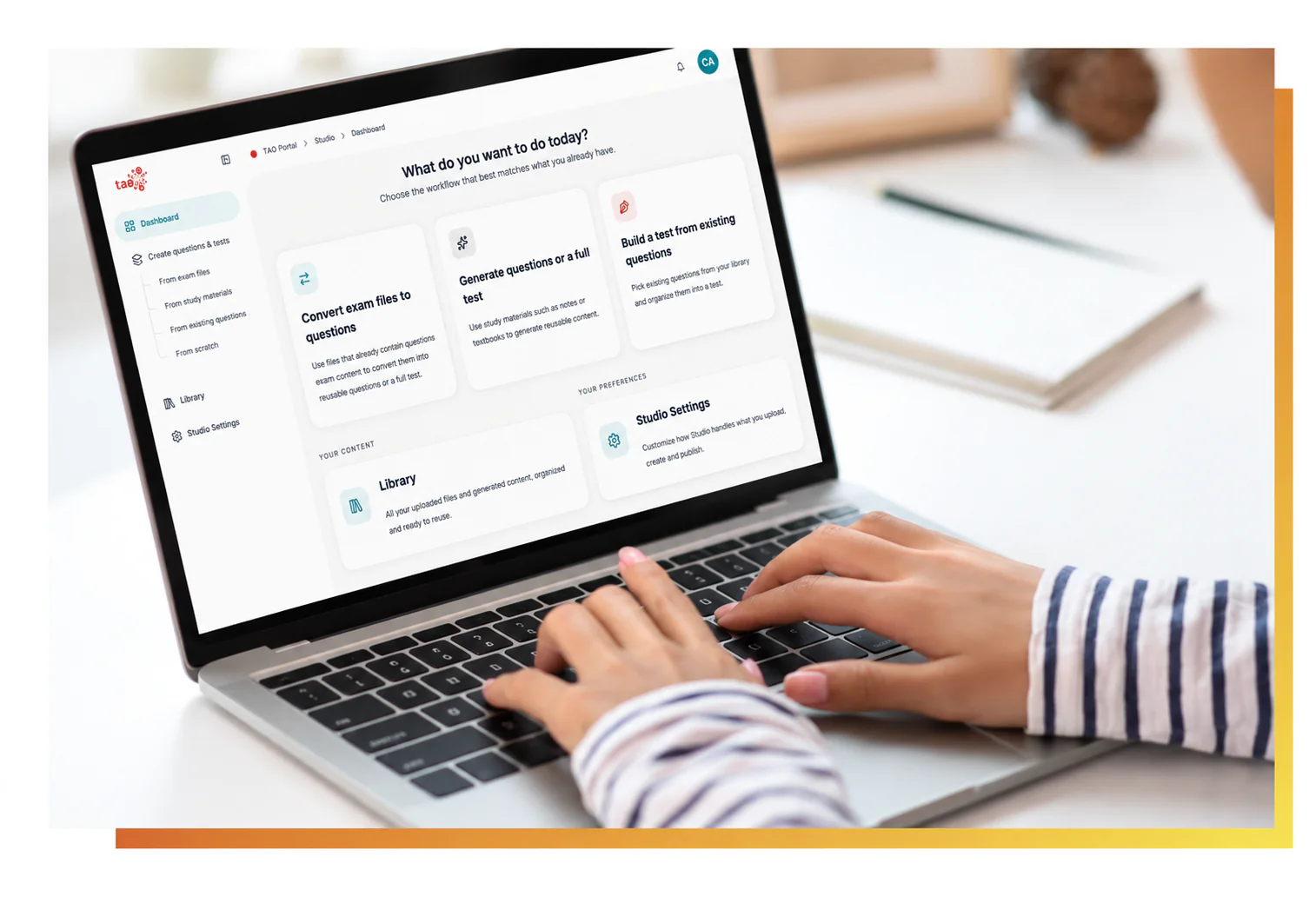
Create and Edit Digital Assessment Items
Start Authoring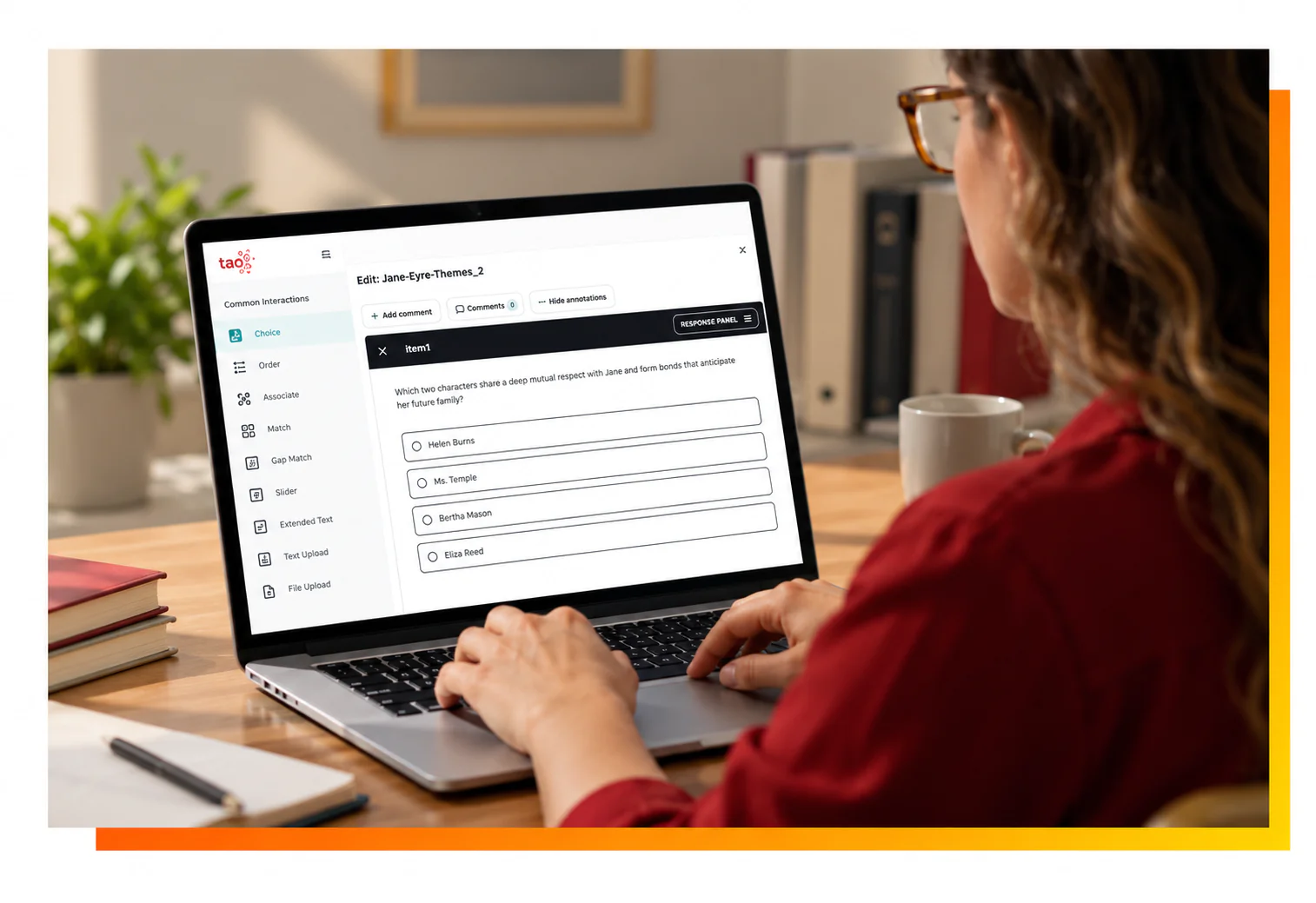
Find, Reuse and Improve Every Item
Learn more
Make Every Item Easier to Find
Learn More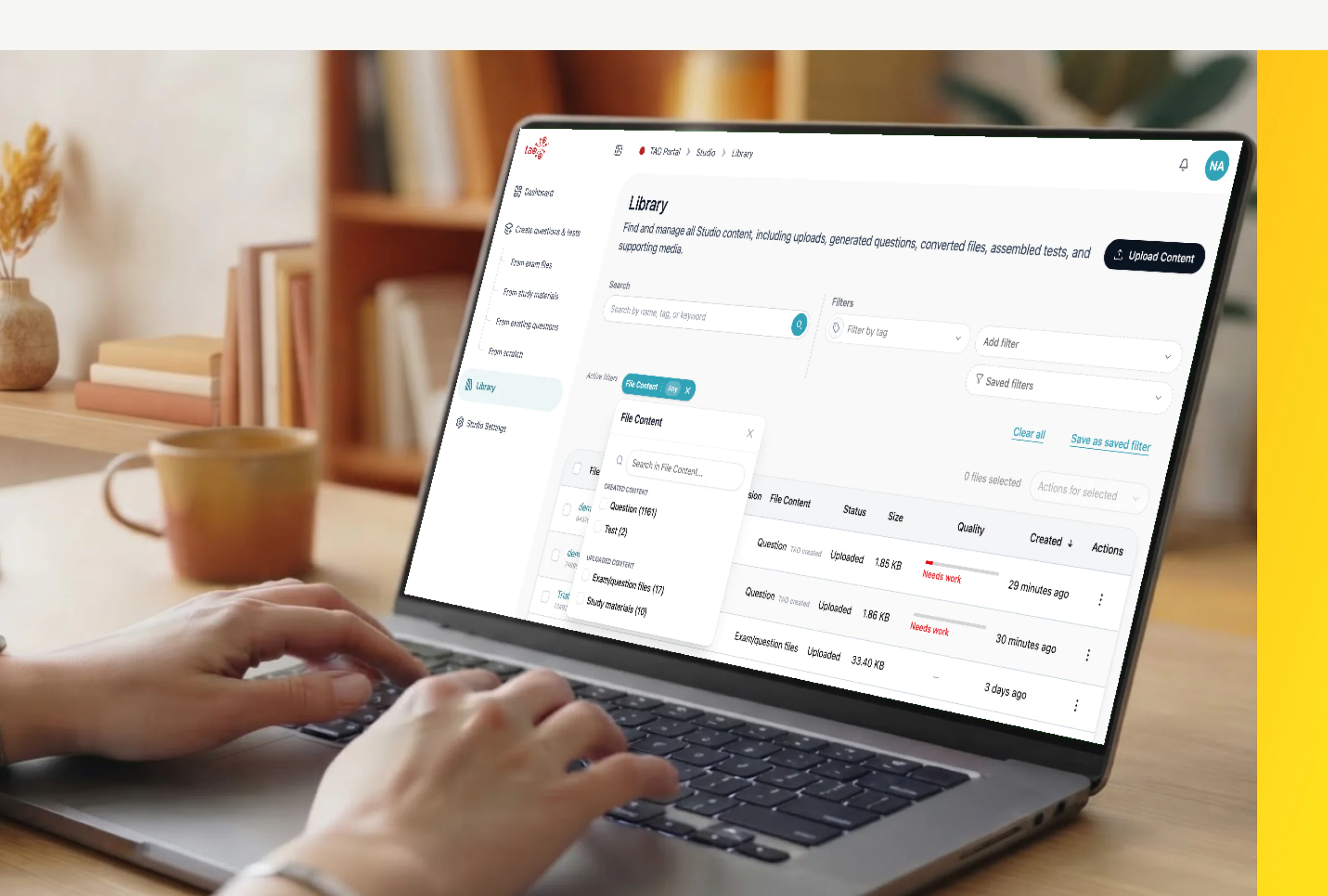
Catch Conversion Issues Before They Move Forward
Learn More
Revise Content Without Losing Track
Learn More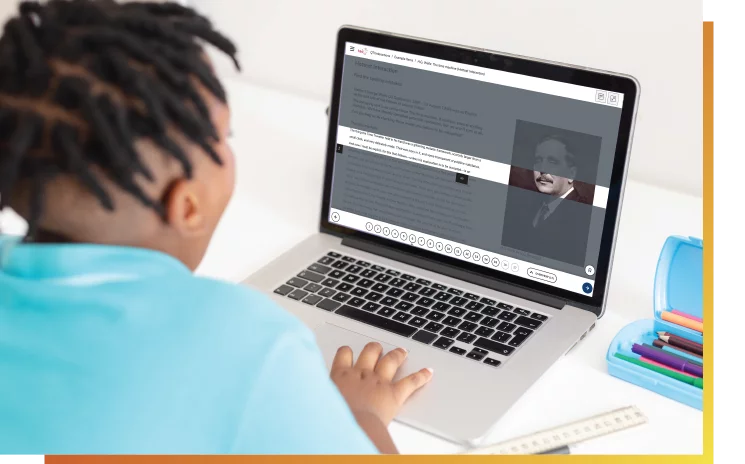
Build Accessibility In From the Start
Learn More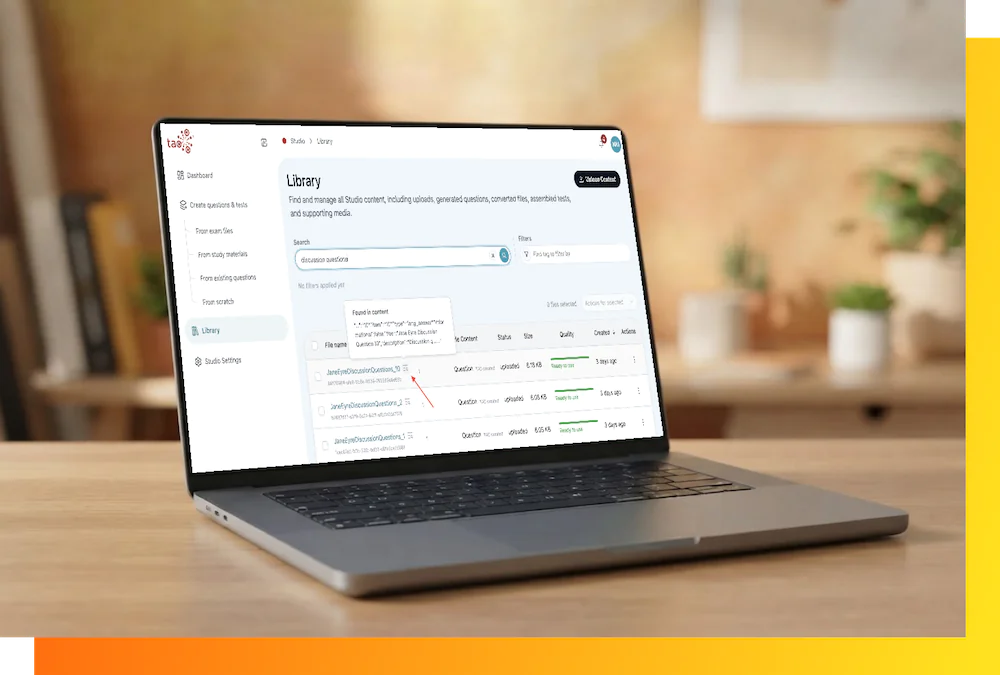
Create Faster. Know What Deserves a Closer Look
Learn More
Move Assessment Content Across Systems With QTI 3.0
Learn MoreThe Authoring Lifecycle
Create or Import
Author a new item or start a conversion project from exam files, CSV question lists, or QTI packages.
Enhance with AI
Use AI for a first draft or optional metadata suggestions, then review what it produces.
Review & Validate
Compare each item with its source, review TAO Studio validation results, and use ItemVerity to investigate potential quality concerns before content moves forward.
Organize and Reuse
Apply the right categories, keep the source relationship and manage approved content in the library.
Export or Deliver
Download the output, exchange QTI 3.0 content, or move it into supported TAO workflows for test delivery.
Human-Guided Intelligence


Open, Interoperable, Secure
We champion open technologies. TAO Studio strictly integrates with standard systems like QTI (Question and Test Interoperability), giving you true structural portability across the entire web ecosystem.
Assessment Authoring Tools for Every Content Role

Frequently Asked Questions
TAO Studio is a modern assessment authoring workspace for creating, organizing, reviewing, and managing assessment content in one place. Authors can build questions and tests manually, work from existing materials, reuse content from their Library, and publish assessments for delivery through TAO.
Use TAO Studio to create questions and tests, convert existing exam files into digital assessments, generate draft content from study materials, organize and reuse items, and prepare assessments for delivery or export.
You can create content from scratch, convert existing exam files, generate draft questions and tests from study materials, reuse questions already in your Library, or import existing QTI content.
Yes. TAO Studio can use supported study materials, including PDF, DOCX, and SCORM 1.2 files, to generate draft questions and tests. Authors remain in control and can review and edit the content before it is used.
Yes. TAO Studio can convert supported PDF, DOCX, CSV, and XLSX exam files into structured digital questions or tests, helping teams move existing assessment content into a reusable digital format.
Yes. TAO Studio supports QTI 2.2 and QTI 3.0 for importing, validating, previewing, and exporting assessment content, helping organizations move content between compatible assessment systems.
Yes. TAO Studio supports standards-based LMS integration through LTI 1.3, allowing users to launch into Studio from compatible learning platforms while keeping assessment authoring and content management in TAO Studio.